How We Used Suica in Japan With Kids (Apple Wallet Setup + Tips)
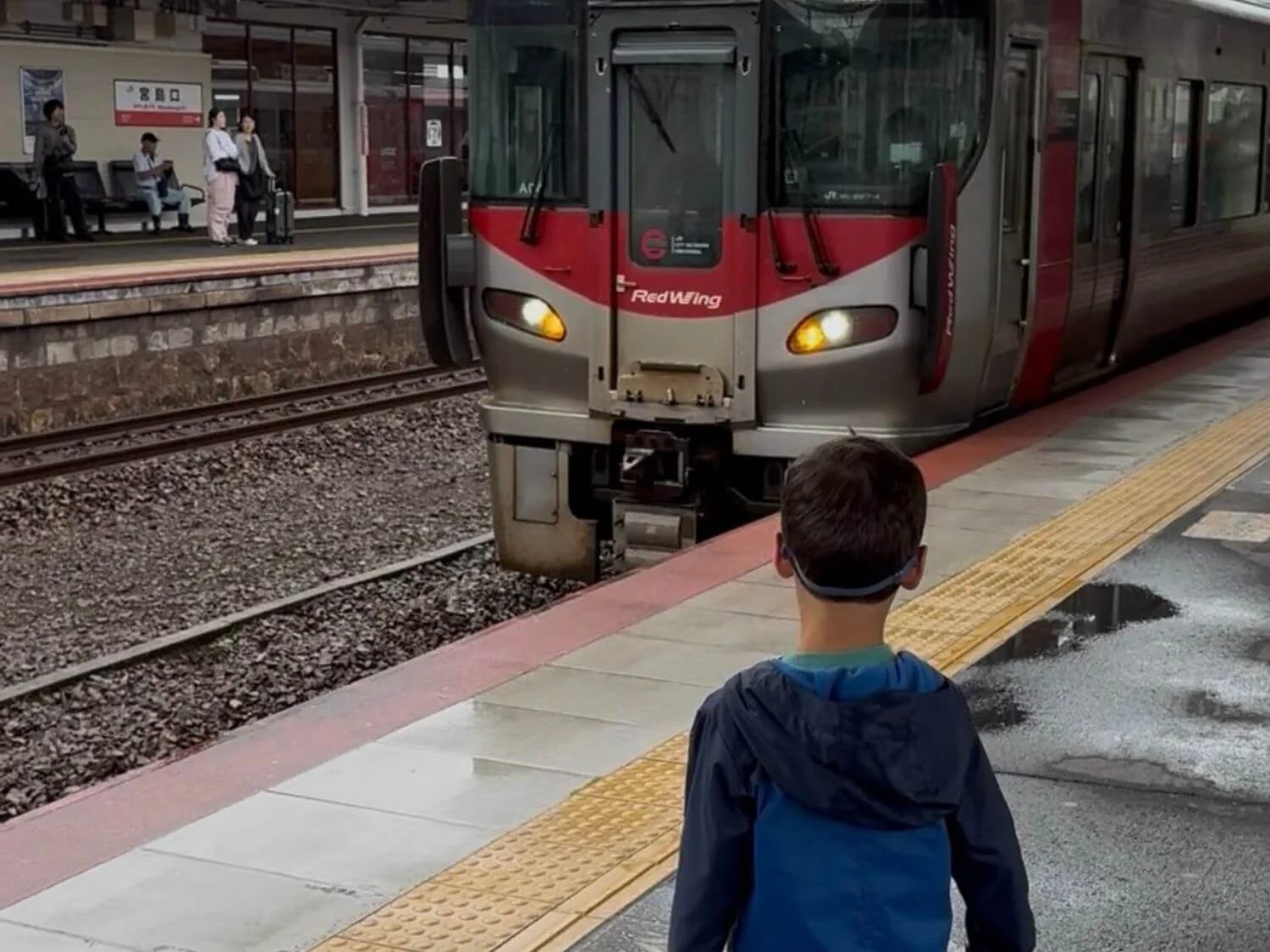
Jackson watching the train pull in. He walked through every ticket gate right alongside us.
If there is one thing that made getting around Japan easy for our family, it was Suica. We used it on trains, subways, buses and a Hiroshima streetcar, and we tapped it at a convenience store almost every single morning for breakfast. By the end of our two weeks, it was the thing we reached for most.
This post covers exactly how we set Suica up in Apple Wallet before we landed, how it worked with our 5-year-old, what we did on the Shinkansen, and the handful of things we would tell a friend before their first trip. If you are still in the planning stage, our 10 Tips for Planning a Japan Trip (How I Planned Our 14-Day Japan Itinerary) post and our Where We Stayed in Japan: Honest Reviews of Our 6 Hotels (13 Nights as a Family) post pair well with this one.
This post contains affiliate links, which means we may earn a small commission if you book or buy through them, at no extra cost to you. As an Amazon Associate I earn from qualifying purchases. We only recommend things we've used ourselves or would genuinely use on our own family trips, and all opinions are our own.
Get Set Up for Japan's Trains
The bookings that pair with Suica on a family trip.
Do this first Airalo Japan eSIM Best for: data so you can top up Suica from your phone →Your Shinkansen Route
The Short Version: What We Did
We added Suica to Apple Wallet on both of our iPhones before we left home.
We linked a credit card in Wallet so adding money took seconds.
We used it from the moment we landed, starting with the train inside the airport to Shibuya Station near our hotel.
Jackson (5) did not need a card. He walked through the gates with us.
For the Shinkansen, we bought separate paper tickets and Jackson rode on our laps.
We loaded about ¥5,000 at a time, then smaller amounts near the end of the trip.
What Is Suica?
Suica is a rechargeable IC card for Japan's trains, buses and shops. You load money onto it, tap in when you enter a station, tap out when you leave, and the fare comes out automatically. No figuring out which ticket to buy at every station.
Even though Suica comes from Tokyo's JR East, it works across Japan's major cities. The same card carried us through Tokyo, Kyoto, Hiroshima and Osaka without a hitch.
You can get Suica as a physical card or as a digital card on your phone. We used the digital version in Apple Wallet, and it is what we would recommend to any family traveling with iPhones.
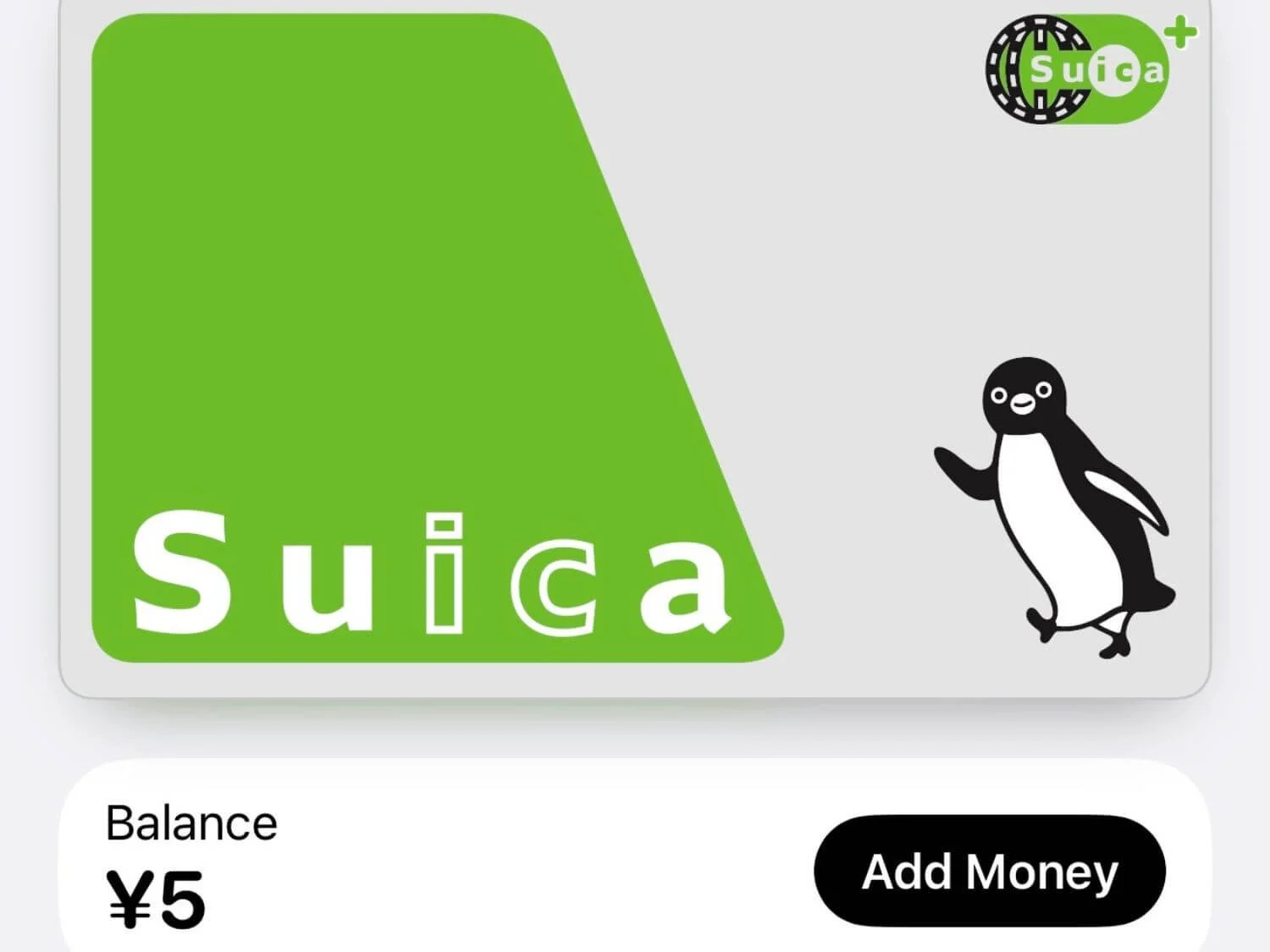
How We Set Up Suica in Apple Wallet (Before We Landed)
We each added a Suica card to our iPhones at home before the trip, and we linked a credit card in Apple Wallet so we could add money quickly and easily. That meant we could walk off a long overnight flight and straight onto the train inside the airport, which took us to Shibuya Station near our hotel. No ticket machine lines with a tired kid.
Here is how to add it:
Open the Wallet app and tap the plus sign.
Choose Transit Card, then Suica.
Add money using a card that is already in your Apple Wallet.
Make sure Express Mode is on for Suica. This lets you tap at the gate without unlocking your phone or using Face ID.
Repeat on every adult's phone. Each person who pays a fare needs their own Suica to get through the gates.
Good to Know
Some foreign-issued Visa cards have been declined when adding money to Suica in Apple Wallet. If yours is, try a Mastercard or American Express instead, or add cash at a station ticket machine or a convenience store register.
Adding money from your phone needs a data connection, so have your eSIM or Wi-Fi sorted before you land.
JR East also has a free app called Welcome Suica Mobile, made for visitors with iPhones. It is another way to get a digital Suica, but its balance is only valid for 180 days and cannot be refunded. We used the regular Suica in Apple Wallet and had no issues.
How Much We Loaded (and Why We Did Not Overdo It)
For most of the trip, we added about ¥5,000 at a time and topped up whenever the balance ran low. Linking our credit card made this fast, so there was never a reason to load a lot at once.
As our departure date got closer, we switched to smaller amounts that just covered our train fares. Here is why: getting leftover money back off a Suica in Apple Wallet is not practical for most visitors. Refunds of the remaining balance can only go to a Japanese bank account, so the simplest plan is to spend it down before you fly home.
Does Your Child Need a Suica?
Jackson was 5 on this trip, and he did not need anything. In Japan, kids under 6 ride trains and buses free with a paying adult (up to two young kids per adult), so he just walked through the ticket gates with us. It was never an issue, and there was no confusion at any gate.
If your kids are 6 to 11, they pay a child fare, which is about half the adult fare. To get that discount on an IC card, you will need a child Suica, which you buy at a staffed station counter with your child's passport. A regular card charges the full adult fare. The Welcome Suica Mobile app is only for ages 13 and up, so younger kids need the physical child card.
Suica and the Shinkansen: What We Did With Jackson
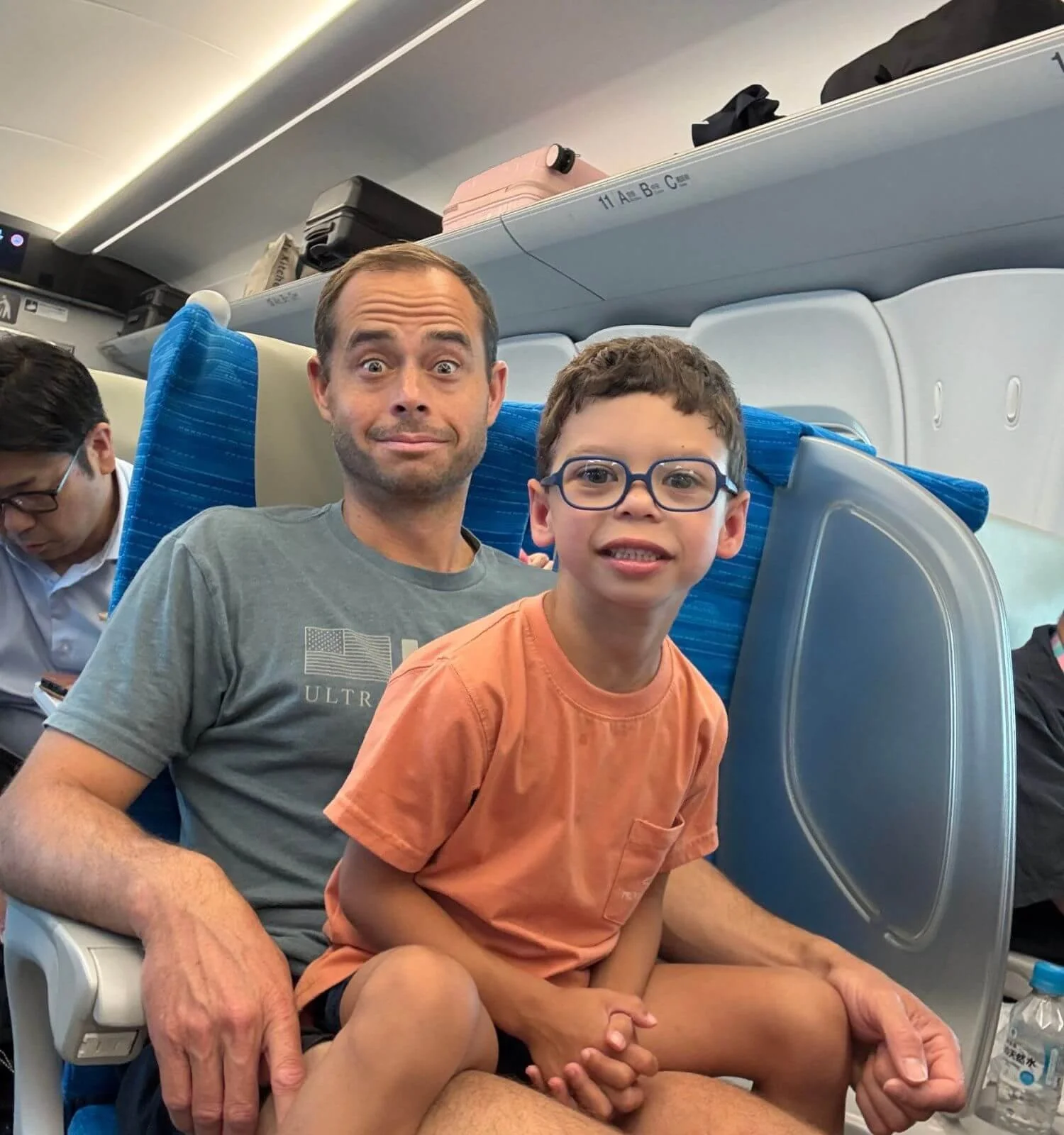
Suica covers local trains, subways and buses. For the Shinkansen (bullet train), we bought separate tickets. We booked reserved seats for Matt and me so we were guaranteed to sit beside each other, and Jackson rode on our laps.
Kids under 6 ride the Shinkansen free as long as they do not take up their own reserved seat. If you want a reserved seat for your little one, you pay the child fare for it.
Lap riding worked well for us. Jackson is on the smaller side, he watched videos on our phones, and he stayed pretty still. Honestly, after all the walking we did every day, those train rides doubled as rest time for all three of us. We traded him back and forth between laps, and our longest ride, Osaka to Tokyo, was only about two and a half hours.
If your child is bigger, or your rides are longer, we think buying them their own seat is worth it. It is something we would consider on longer legs next time.
Don't Throw Away Your Shinkansen Ticket
Our Shinkansen tickets were paper tickets, and you need them to get out of the station at the end of your ride. Hold onto every ticket until you are through the exit gate.
If you connect between a local train and the Shinkansen, you may go through a transfer gate where you insert your paper ticket and tap your Suica at the same gate.
Where We Used Suica (Hint: Everywhere)
Trains and subways
Every city, every day. From the airport train on day one to our last ride back to the airport, Suica covered every local train and subway we took.
Convenience stores (every single morning)
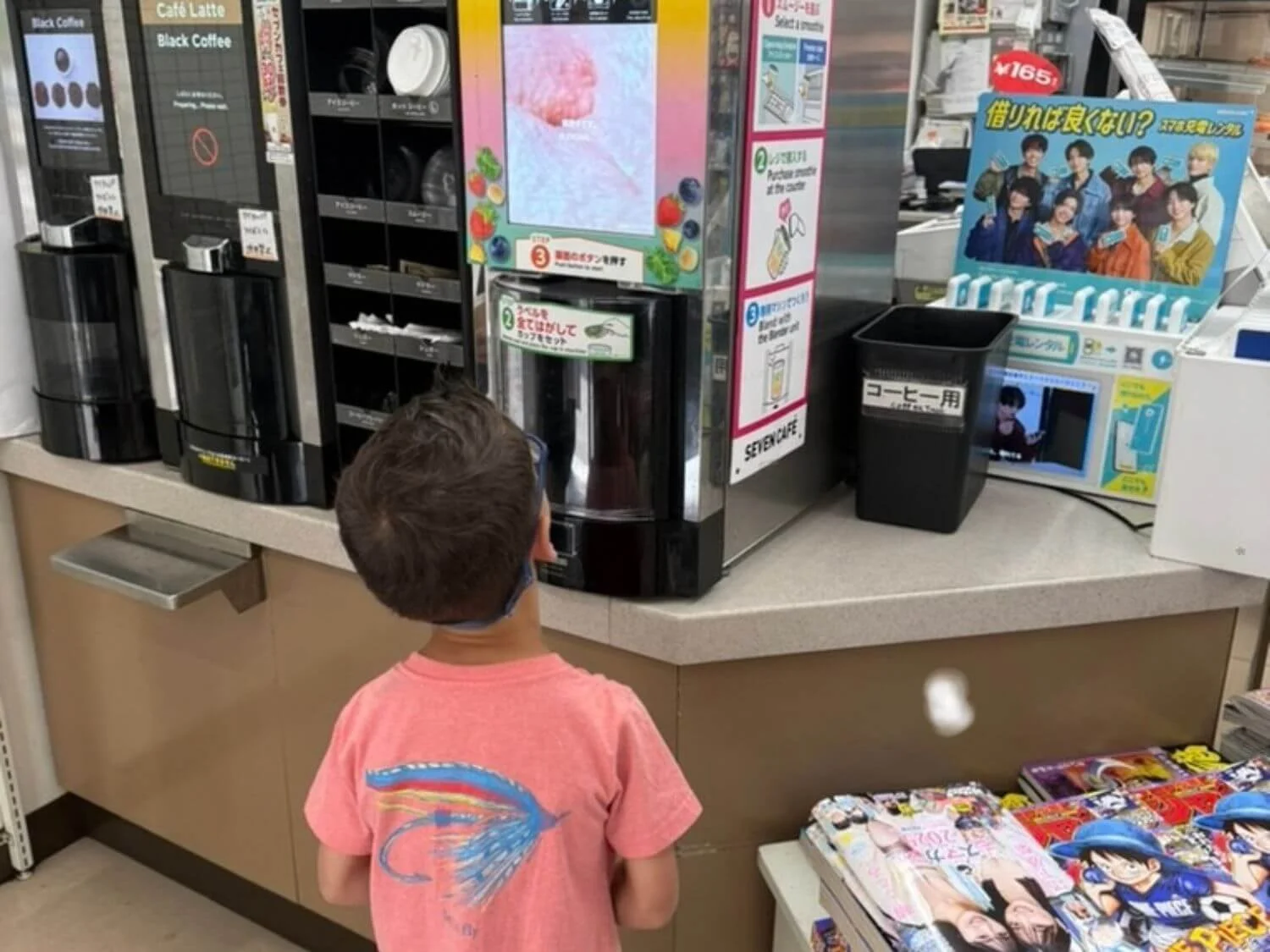
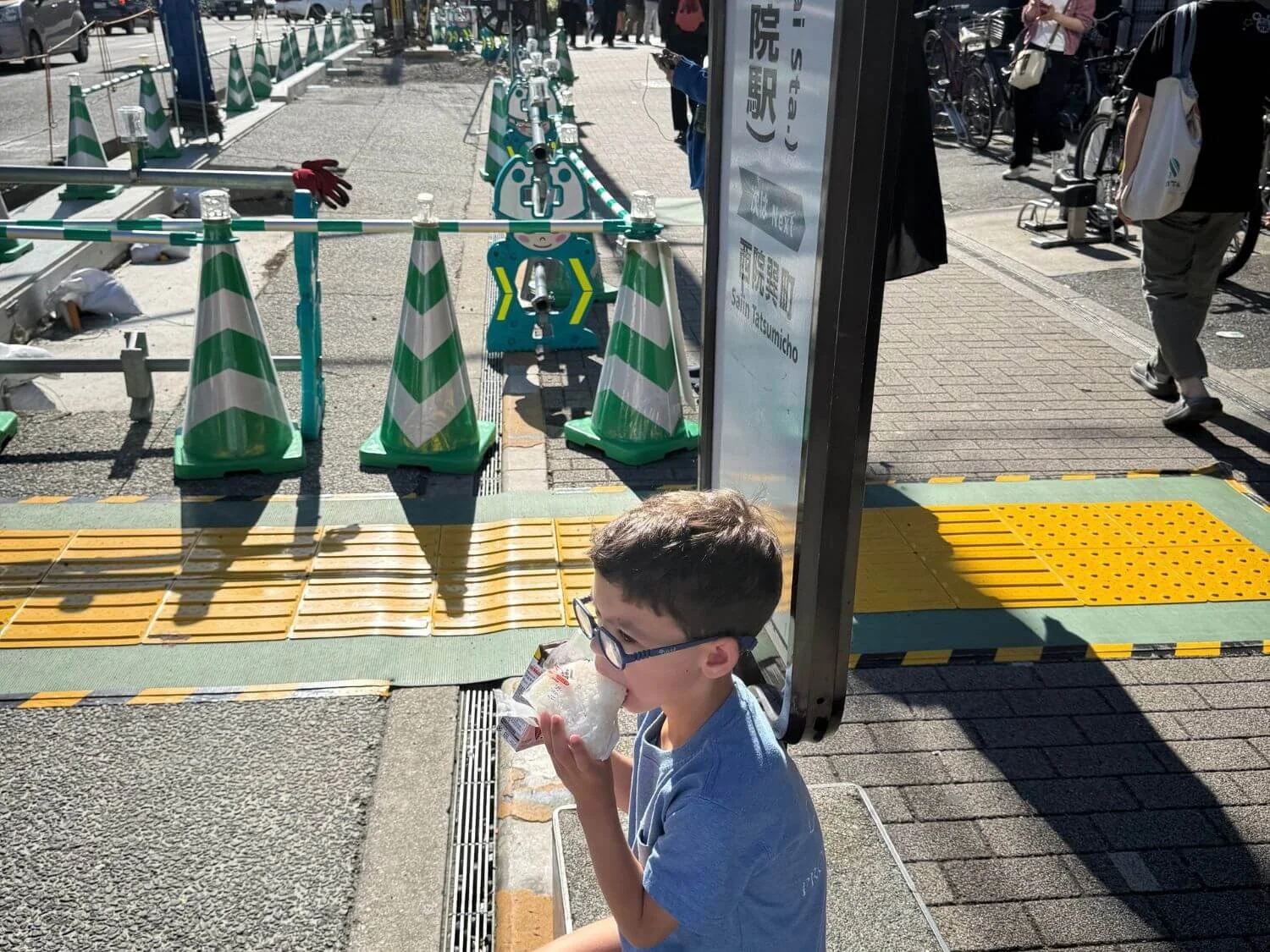
This is where we used Suica the most outside of trains. We grabbed breakfast at a convenience store every morning and just tapped our phones at the register. 7-Eleven, Lawson and FamilyMart all accept it.
Buses
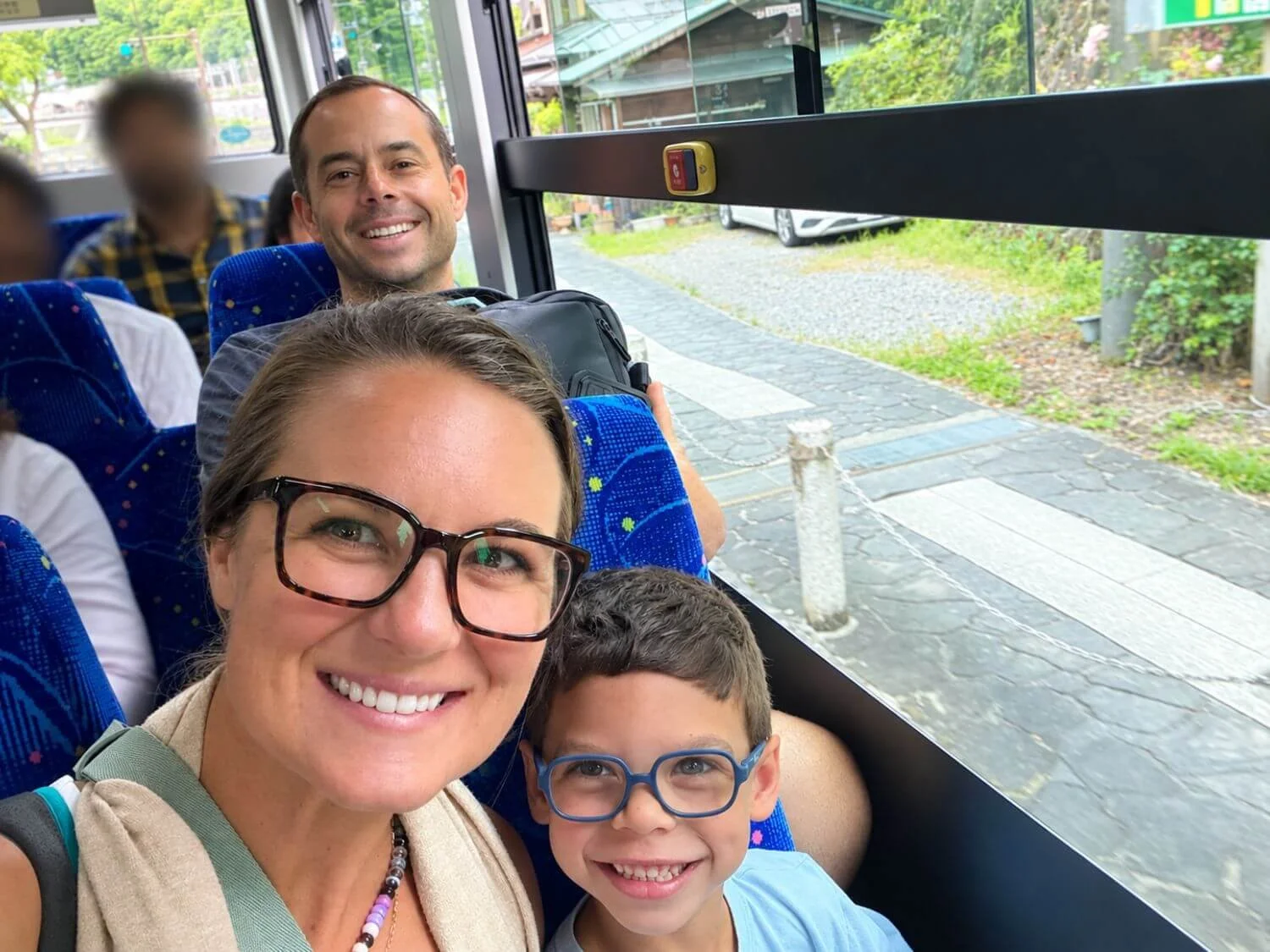
We used Suica on a few buses, including in Kyoto. On most Kyoto city buses, you board through the back door and pay at the front by the driver when you get off. If you see a card reader at the door you board through, tap there too.
The Hiroshima streetcar
Suica worked on Hiroshima's streetcars too. When we rode, you only tapped when you got off. Hiroshima’s streetcars now ask you to tap both when you get on and when you get off, so look for the reader at both doors.
Vending machines and other shops
We used it at quite a few vending machines (look for the IC card logo), and plenty of shops that were not convenience stores accepted it too. If you see the Suica or IC logo near the register, you can tap.
Our Best Suica Tips
Have your phone out before you reach the gate. Major stations are packed, and everyone is moving fast and with purpose. With Express Mode on, you just hold the top of your phone near the reader. No unlocking, no digging through your bag while a line forms behind you.
Tap in AND tap out. Your fare is calculated and taken out when you tap out at the exit gate, so you need to tap at both ends.
Keep enough balance for the ride out. Shopping at station stores and convenience stores comes out of the same Suica balance as your fare, so it is easy to spend more than you realize. If your balance is too low when you tap out, the gate will close and beep. Head to the fare adjustment machine near the exit gates, pay the difference, and you are on your way. With Suica in Apple Wallet, you can also add money right there if you have data.
Link a card in Apple Wallet before you go. Topping up took seconds, which is exactly what you want when a tired kid or rushed commuters are waiting.
Spend it down before you fly home. Switch to smaller top-ups in your last few days so you do not leave money on the card.
Keep your phone charged. Your phone is your train ticket, so we kept ours topped up before long days out.

What If You Do Not Have an iPhone?
We both have iPhones, so Apple Wallet made this easy for us. Android is trickier. The Welcome Suica Mobile app is iPhone only, and Suica in Google Wallet generally needs a phone sold in Japan, so most Android phones from home cannot add it. Your best options:
Welcome Suica (physical card): made for visitors and sold at major airports like Haneda and Narita. There is no deposit, it is valid for 28 days, and any leftover balance is not refundable. You can buy one at the JR East Travel Service Centers at Haneda and Narita airports. Sales locations change from time to time, so check JR East’s Welcome Suica page before you go. One more thing: the 28 days start on the day you buy it, not the day you first use it.
A regular Suica or PASMO card: these are back on sale at station machines. They take a refundable deposit.
Topping up a physical card: use cash at a station ticket machine or at a convenience store register.
Some train lines in Japan now accept tap-to-pay credit cards at the gate, but it is not everywhere yet, so we would still carry an IC card.
Would We Use Suica Again?
Without a doubt. Suica took one of the most intimidating parts of Japan, figuring out trains in huge, busy stations, and made it something we barely had to think about. If you have iPhones, set it up before you leave home, link a card, and you will be tapping through the gates from the moment you land.
Where to Next?
Ready to map out your train legs? Book your Shinkansen tickets ahead so you can sit together, then read how we sent our bags ahead with luggage forwarding.

Planning Japan? Keep It All in One Place
Hotels in every city, train legs, timed tickets, and a packing list for the whole crew add up fast. Our free Trip Planning Command Center keeps it organized so you can focus on the fun part.
- Plan each day, city by city
- Track hotels, trains, and tickets you've booked
- Keep everyone's packing in one list
Get the Free Trip Planner →